> For the complete documentation index, see [llms.txt](https://whatcrm.gitbook.io/whatcrm-docs/llms.txt). Markdown versions of documentation pages are available by appending `.md` to page URLs; this page is available as [Markdown](https://whatcrm.gitbook.io/whatcrm-docs/english/integrations-products/planfix-and-whatsapp-from-whatcrm.md).
# Planfix and WhatsApp from Whatcrm
1. Register with Planfix CRM at
2\. Get an authorization token to connect Planfix with WhatsApp by Whatcrm (you will need it to register in our system)
2.1 Go to the “Account Management” section.
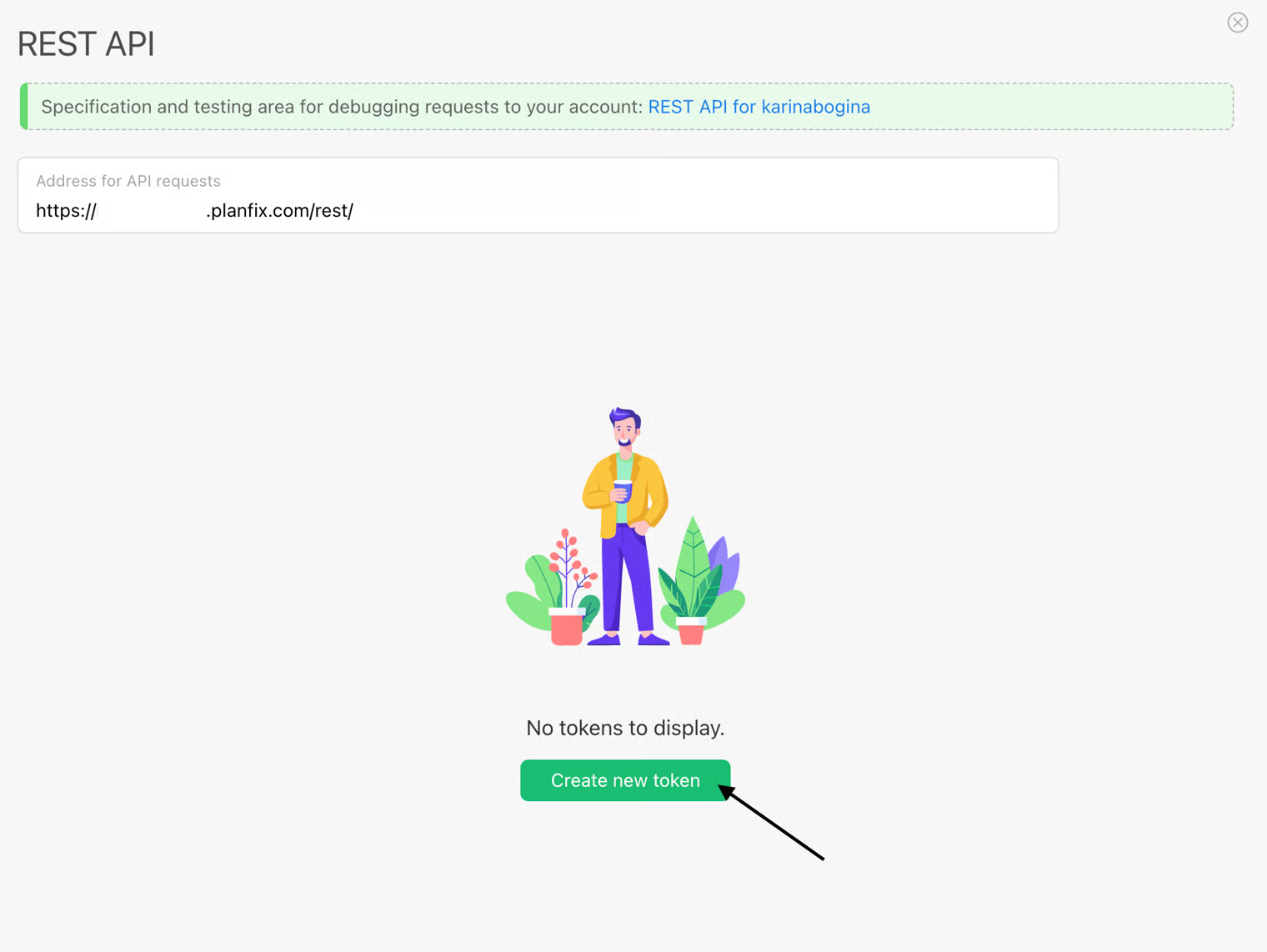
2.2 Go to the “API Access” section and select REST API.
2.3 Click “Create token”
**2.4 Important point: it is necessary to select the entire scope separately for the CRM to work correctly.**
2.5 Your authorization token has been created.
3. Register with Whatcrm. Follow the link (). Enter your email address, full domain (insert your domain without http), and authorization token (from step 2.5). All data must match what you entered when registering with Planfix.
4. Confirm your email address by entering the verification code sent to your email address.
5\. After successful verification, your personal account will open, where you need to create a connection to work with the Planfix Chat API.
6. Get a token to work with WhatsApp integration by Whatcrm.
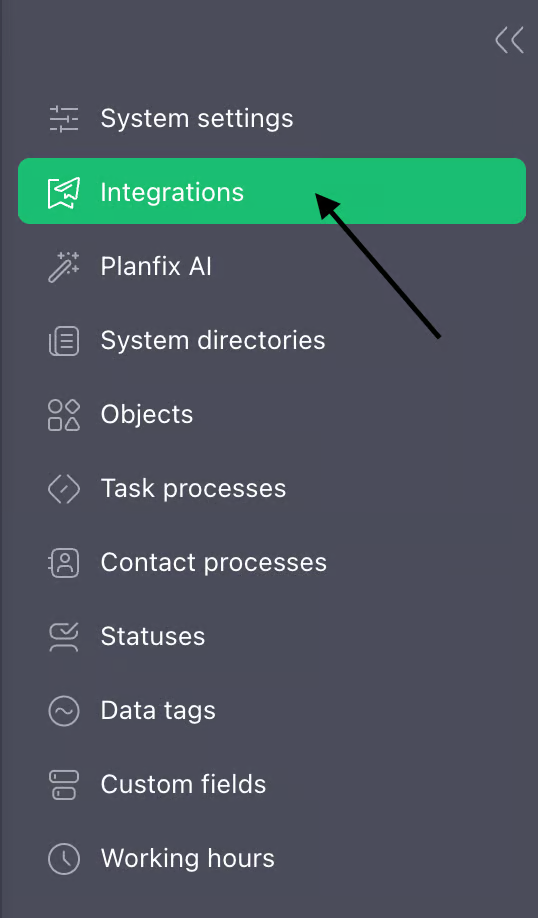
6.1 Go to “System Settings” and then “Integrations.”
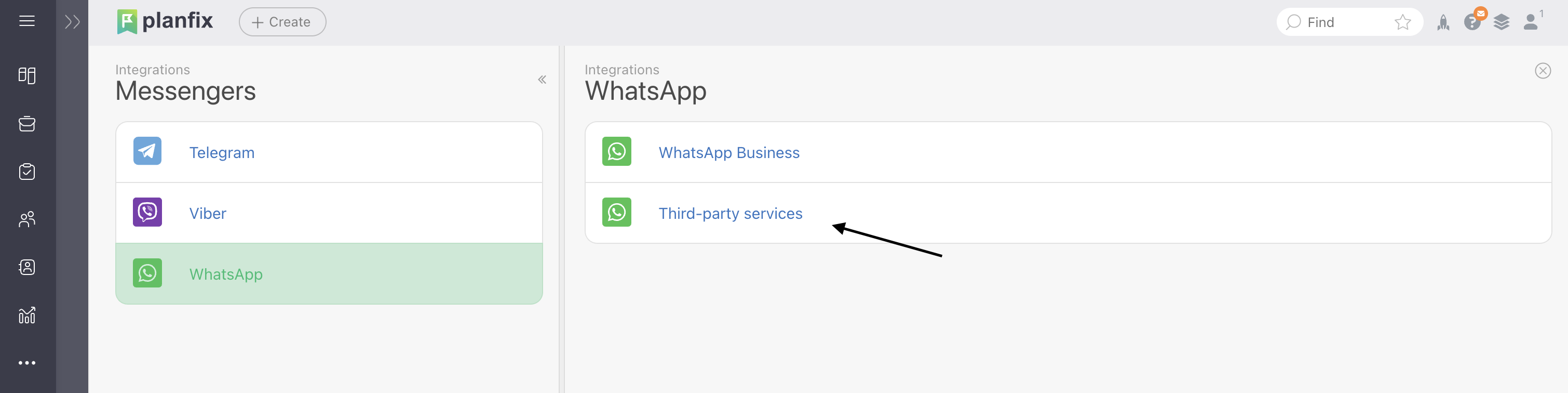
6.2 Select the "Messengers" section, then "Whatsapp" -> "Third-party services" -> Whatcrm
6.3 Click "Configure"
6.4 In the integration parameters, you must specify:
* The authorization key for WhatCrm will be generated automatically. It must be entered in the "Authorization key" field in the connection settings.
* The authorization key for planfix is also located in the connection settings (you need to copy it from there and paste it into the planfix integration settings)
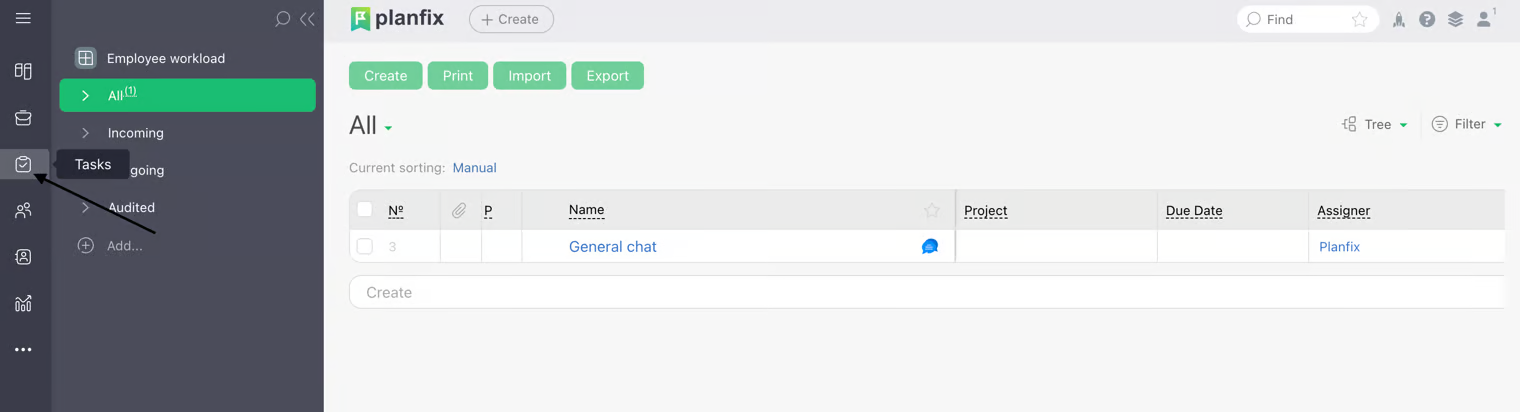
7. All messages that will be written after the connection will appear in the tasks.


.jpg?alt=media&token=470b0a0f-c3d1-42e7-86fa-690e53b06f1c)




.jpg?alt=media&token=187e2c85-1347-45ad-9a81-25bf228d8e33)